Food Safety App Comparison Guide for Restaurants (2026)
Compare the top food safety and temperature logging apps for restaurants. Features, pricing, and which one fits your operation size and budget.
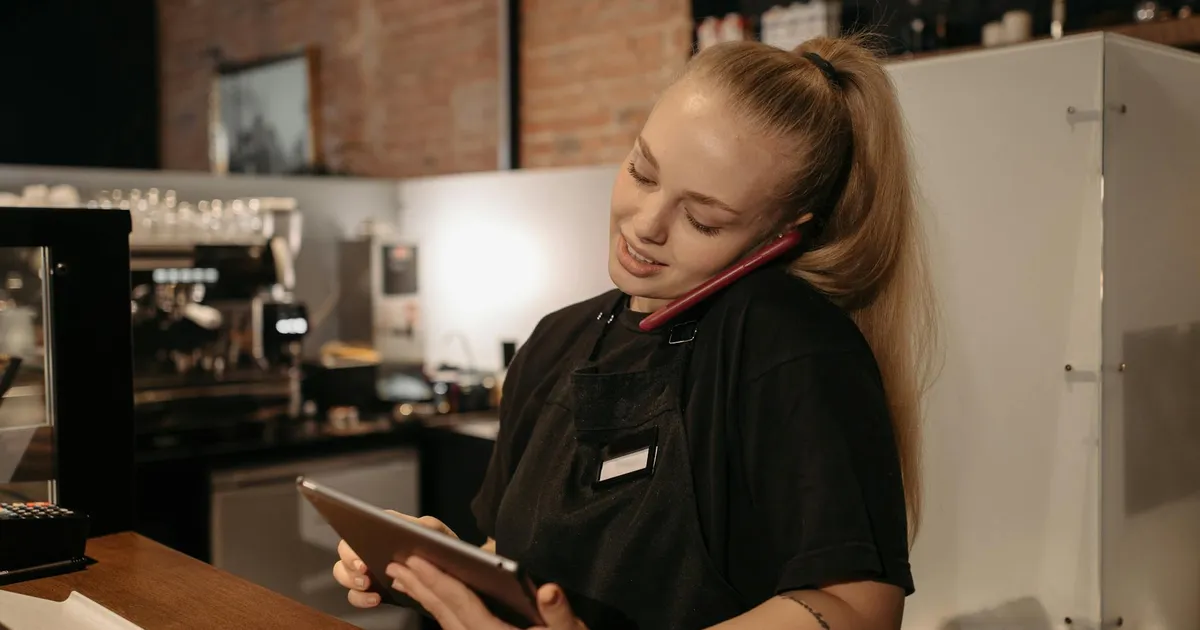
Photo by KitchenTemp via Pexels
Choosing a Food Safety App: What Actually Matters
The market for restaurant food safety software has grown significantly over the past five years. There are now dozens of options ranging from simple temperature logging apps to comprehensive food safety management platforms. For a restaurant operator trying to make a decision, the choices can be overwhelming.
This guide cuts through the noise. We will explain what features actually matter for different types of restaurant operations, what to watch out for in pricing models, and how to evaluate whether a platform will work for your specific situation.
Note: This is an honest guide written by KitchenTemp. We will be transparent about where KitchenTemp fits and where other approaches might serve different needs better.
The Feature Categories That Matter
Before comparing specific platforms, understand the feature categories that determine whether a system will meet your needs:
Core Temperature Logging
This is the non-negotiable foundation. Any platform you consider must offer:
- Mobile app for logging readings (iOS and Android)
- Automatic timestamping (not staff-entered time)
- Staff attribution (which employee logged each reading)
- Out-of-range alerts (push notification and/or email)
- Offline functionality (works without internet connection)
- Corrective action recording
- Compliance report generation (PDF export)
If a platform is missing any of these, it is not a viable food safety tool — it is a glorified spreadsheet.
Equipment Management
You need to define and manage the list of equipment you monitor. Key questions:
- How many pieces of equipment does the platform support at each pricing tier?
- Can you set different temperature thresholds for different equipment?
- Can you add or remove equipment easily as your kitchen changes?
- Can you organize equipment by location or category?
Multi-Location Support
If you operate or plan to operate multiple locations, this becomes critical:
- Can you manage all locations from one account?
- Can you see compliance status across all locations at once?
- Can staff be assigned to specific locations?
- Can reports be generated per-location or across all locations?
Platforms that are single-location at their core often add multi-location as an expensive enterprise add-on.
Sensor Integration
Some operations want to automate temperature monitoring with IoT sensors that log readings continuously without staff involvement. Key considerations:
- Does the platform support third-party temperature sensors?
- What sensor brands are compatible?
- Are sensor and manual logging combined in the same interface?
- What is the additional cost for sensor integration?
Sensor integration adds meaningful cost (hardware + subscription) and is most valuable for operations with large cold storage footprints or 24/7 monitoring requirements. For most restaurants, manual logging with a mobile app is more cost-effective.
Compliance Report Quality
Not all compliance reports are created equal. Evaluate:
- Can the report cover custom date ranges?
- Does it include corrective actions alongside readings?
- Is it professionally formatted (your restaurant name, dates, organized sections)?
- Can you export to PDF? Excel? Both?
- Can you share reports directly from the app via email or link?

Pricing Model Comparison
Food safety platforms use several different pricing models, each with tradeoffs:
Per-Location Flat Rate
Best for: Operations with a clear location count and predictable usage.
Typical pricing: $29–$99/month per location.
Advantage: Predictable cost. No surprises as staff grows or logging frequency increases.
Watch out for: Platforms that count "locations" differently than you expect — some count a restaurant with a separate catering operation as two locations.
Per-User Pricing
Best for: Large teams where access control by individual user matters.
Typical pricing: $5–$15/user/month, often with a minimum.
Watch out for: In restaurants with high turnover, user-based pricing can escalate quickly as you add and remove accounts. A 25-person team at $10/user is $250/month — more expensive than most flat-rate alternatives.
Per-Sensor / IoT Pricing
Best for: Large operations with automated sensor networks.
Typical pricing: $5–$25/sensor/month plus base platform fee.
Watch out for: Sensor hardware costs ($100–$400 per sensor) plus installation and maintenance. For a restaurant with 10 monitored units, hardware alone is $1,000–$4,000 before you pay the subscription.
Freemium / Limited Free Tier
Best for: Very small operations testing before committing.
Watch out for: Free tiers often cap equipment count, report length, or data retention at levels that are insufficient for real compliance use. A system that only retains 7 days of data is not useful when an inspector asks for 30 days of records.
The Most Common Platform Categories
Category 1: Pure Temperature Logging Apps
These focus entirely on temperature monitoring and logging. They are simple, fast to set up, and appropriately priced for small to mid-size restaurants.
Who they are for: Independent restaurants and small chains that want to digitize temperature logging without paying for features they will not use.
What they do well: Fast logging workflow, reliable alerts, clean compliance reports.
What they do not do: HACCP plan management, inventory tracking, supplier documentation, allergen management.
Price range: $15–$49/month.
KitchenTemp is in this category — and designed to be the best-in-class option for operations that want excellent temperature logging without unnecessary complexity.
Category 2: Full HACCP Management Platforms
These platforms manage the entire HACCP system: plan documentation, CCP monitoring, corrective actions, training records, and audit management.
Who they are for: Mid-size chains, healthcare foodservice, contract food manufacturers, operations subject to third-party GFSI audits (SQF, BRC, etc.).
What they do well: Comprehensive documentation, audit trail, multi-user workflows.
What they do not do: These platforms are typically complex to implement, require dedicated food safety staff to manage, and cost $200–$2,000/month. They are genuinely over-engineered for most independent restaurants.
Price range: $99–$2,000+/month.
Category 3: All-in-One Restaurant Operations Platforms
These platforms bundle food safety features with inventory management, recipe costing, scheduling, and other restaurant operations tools.
Who they are for: Operators who want a single platform for all back-office operations.
What they do well: Data integration across operations functions. Temperature data alongside food cost data can be valuable.
Watch out for: Food safety features in operations platforms are often weak — a secondary feature rather than a core product. The temperature logging workflow may be slow, alerts unreliable, or reports inadequate. Evaluate the food safety module specifically, not the platform as a whole.
Price range: $99–$500/month.
Feature Comparison Matrix
| Feature | Pure Logging App | HACCP Platform | All-in-One Platform | |---------|-----------------|----------------|---------------------| | Temperature logging | Excellent | Good | Variable | | Setup time | Under 5 min | Days to weeks | Days to weeks | | Real-time alerts | Yes | Yes | Sometimes | | Corrective actions | Yes | Yes | Sometimes | | HACCP plan management | No | Yes | Sometimes | | Multi-location | Yes (most) | Yes | Yes | | IoT sensor support | Sometimes | Yes | Sometimes | | Training management | No | Yes | Sometimes | | Inventory integration | No | No | Yes | | Price (entry) | $15–$49/mo | $99–$300/mo | $99–$500/mo | | Implementation time | Same day | Weeks | Weeks |
How to Evaluate Any Platform
Before committing to a platform, run it through this checklist:
Logging speed: How many taps does it take to log a reading? Time yourself. If it takes more than 15 seconds, staff will skip readings in a busy kitchen.
Alert reliability: Test the alert system. Log an out-of-range reading and measure how long it takes to receive the alert. Anything over 5 minutes is too slow for actionable response.
Offline behavior: Turn off wifi and cellular, log a reading, then reconnect and verify it synced. If the app requires connectivity to save a reading, it will fail in basements and walk-ins.
Report quality: Generate a sample compliance report. Would you be comfortable handing it to an inspector? Does it include all required information (timestamps, staff attribution, corrective actions)?
Support responsiveness: Contact support with a question before signing up. How fast do they respond? How helpful is the answer?

The Right Choice for Most Independent Restaurants
For most independent restaurants and small chains, the right choice is a purpose-built temperature logging platform with:
- Mobile-first design optimized for kitchen environments
- Automatic timestamping and staff attribution
- Real-time out-of-range alerts
- Offline functionality
- Professional compliance reports
- Simple, flat-rate pricing
This covers 90% of what the FDA Food Code requires in terms of temperature documentation, at a price that makes economic sense for operations running on tight margins.
The full HACCP management platforms are genuinely valuable — but for franchise systems, healthcare foodservice, or food manufacturers. For an independent restaurant doing its own HACCP plan, an excellent temperature logging app plus a cloud document for your HACCP plan document covers your needs.
How KitchenTemp Compares
KitchenTemp is built to be the best pure temperature logging app for restaurants. The logging workflow takes under 15 seconds. Alerts are delivered within 60 seconds of an out-of-range reading. Reports are generated in one click. The PWA works fully offline. Setup takes under 5 minutes.
At $29/month for a single location, KitchenTemp delivers all the core temperature logging features that restaurant operators actually need — without the complexity and cost of enterprise HACCP platforms designed for food manufacturers.
Try KitchenTemp free for 14 days. No credit card required.