Paperless HACCP Systems: The Complete Transition Guide for Restaurants
How to move from paper HACCP records to a fully digital system. Step-by-step guide covering what to digitize, which tools to use, and how to stay compliant.
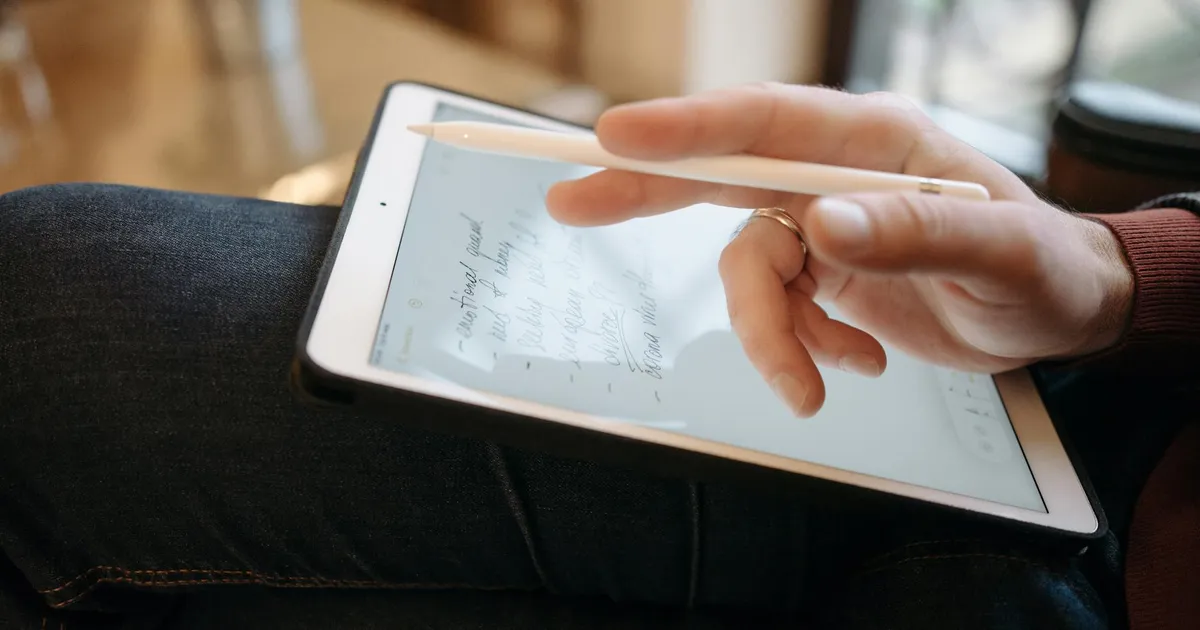
Photo by KitchenTemp via Pexels
The Paper HACCP Problem Is Getting Worse
HACCP — Hazard Analysis and Critical Control Points — is the internationally recognized framework for systematic food safety management. Every restaurant that takes food safety seriously has some version of a HACCP plan. The problem is that most restaurants implement HACCP with paper records, and paper HACCP systems are failing silently across the industry.
Paper HACCP records get lost. They get wet. They cannot alert you when a Critical Control Point (CCP) limit is exceeded. They cannot be audited remotely. They cannot generate compliance reports on demand. And they cannot tell the difference between a reading that was taken on time and one that was backfilled three hours later.
Going paperless is not a luxury for large chain restaurants. It is a practical necessity for any restaurant that wants HACCP to actually work as intended — as a real-time food safety management system, not a documentation exercise.
This guide explains how to make the transition from paper to digital HACCP, what to digitize first, and what tools support a compliant paperless HACCP system.
What HACCP Records Are You Required to Keep?
Before going paperless, inventory what you are currently documenting. A complete restaurant HACCP system includes:
The Seven HACCP Principles — Documented
- Hazard Analysis: Written identification of biological, chemical, and physical hazards at each process step
- Critical Control Points (CCPs): Identified process steps where control is essential to prevent, eliminate, or reduce a hazard
- Critical Limits: The maximum or minimum values (temperature, pH, time) that control a hazard at each CCP
- Monitoring Procedures: How and how often each CCP is monitored
- Corrective Actions: Documented steps taken when a CCP is out of control
- Verification Procedures: Activities that verify the HACCP system is working effectively
- Record-Keeping: All documentation of the above
Records That Must Be Maintained
Under the FDA Food Code and HACCP guidelines, restaurants must maintain records that demonstrate:
- Monitoring records: Temperature readings, time records, pH measurements at CCPs
- Corrective action records: What happened when a CCP was out of spec and what was done
- Verification records: Calibration logs, audit findings, testing results
- Equipment records: Maintenance logs showing equipment is functioning correctly
These records must typically be retained for at least 90 days (some jurisdictions require 1–2 years). They must be available for inspector review on demand.
What to Digitize First: Priority Order
Not everything needs to be digitized simultaneously. Approach the transition in priority order:
Priority 1: Temperature Monitoring (Weeks 1–2)
Temperature is the most frequently monitored CCP in any restaurant HACCP plan. It is also the easiest to digitize because it requires only a staff member with a mobile device and a digital logging app.
Start here because:
- Highest frequency (multiple times per shift)
- Greatest compliance impact (most common violation category)
- Fastest ROI (labor savings begin immediately)
- Most defensible in legal and regulatory contexts
Priority 2: Corrective Action Records (Week 3)
When a temperature reading is out of range, the corrective action taken must be documented. In a digital system, this happens in the same workflow: the app prompts for a corrective action when an out-of-range reading is submitted.
Paper corrective action records are frequently incomplete — staff note the temperature but skip the corrective action documentation. A digital system that requires a corrective action entry before an out-of-range reading can be saved eliminates this gap.
Priority 3: Calibration and Verification Logs (Week 4)
Thermometer calibration records and verification activities (checking that your digital system is working correctly) should be digitized next. These are lower frequency but important for complete HACCP documentation.
Priority 4: HACCP Plan Document (Month 2)
The HACCP plan itself — the written document describing your hazard analysis, CCPs, and critical limits — should be digitized and stored in a cloud document management system. This ensures it is accessible and can be updated as your menu or processes change.

Tools for a Paperless HACCP System
Digital Temperature Logging (Core Tool)
A mobile-first temperature logging app is the foundation of paperless HACCP. Requirements for a compliant system:
- Automatic timestamping: Readings must record exact date and time without staff entry
- Staff attribution: Each reading must be linked to a named individual
- Out-of-range flagging: Automatic flagging when readings exceed critical limits
- Corrective action capture: Integrated workflow for documenting corrective actions
- Report generation: Ability to generate inspection-ready reports covering any date range
- Offline capability: Must work in areas with limited connectivity
- Cloud backup: Data must be stored off-site with redundancy
Document Storage
For the HACCP plan itself and supporting documentation (training records, supplier agreements, audit reports), use any cloud document storage that provides:
- Version control (so you can see when the HACCP plan was last updated)
- Access control (limit who can edit the plan)
- Audit trail (who made what changes, when)
Google Drive, Notion, or purpose-built food safety platforms all work for this.
Thermometer Calibration Tracking
A simple spreadsheet or form in your cloud document system can track thermometer calibration dates, methods, and results. Calibrate thermometers:
- At the beginning of each shift
- After a thermometer is dropped or subjected to impact
- When accuracy is questioned
Document the method (ice water bath at 32°F; boiling water at 212°F adjusted for altitude), the result, and any corrective action (recalibration or replacement).
Making the Transition: Step-by-Step
Step 1: Audit Your Current Records (Day 1–2)
Before switching, document what you currently have:
- Which CCPs do you monitor?
- What forms do you use for each?
- How far back do your current records go?
- Where are they stored?
This baseline helps you configure your digital system to match your current monitoring requirements.
Step 2: Configure Your Digital Platform (Day 2–3)
Set up your temperature logging system with:
- All monitored equipment (walk-ins, reach-ins, freezers, hot-holding units, cooling units)
- Temperature thresholds for each (based on your HACCP critical limits)
- Alert recipients for out-of-range readings
- Staff accounts for everyone who takes readings
Step 3: Run Parallel for One Week (Week 1)
For the first week, run paper and digital simultaneously. This:
- Builds staff confidence with the digital system
- Catches any configuration errors (wrong thresholds, missing equipment)
- Provides a comparison baseline to confirm digital is capturing everything paper was
Step 4: Retire Paper (Week 2)
Once the parallel run confirms your digital system is capturing complete data, retire paper logs. Keep blank forms available as backup for device failure, but expect to use them rarely.
Step 5: Archive Historical Paper Records
Scan or photograph your existing paper records to create digital copies. Store in cloud document storage. Most health departments accept scanned copies of historical records.
Step 6: Update Your HACCP Plan
Update your written HACCP plan to reflect your new monitoring methodology — "digital temperature logging system with automated timestamping" replaces "manual paper log." This keeps your documented procedures consistent with your actual practice.
Is a Paperless HACCP System Compliant?
Yes — unambiguously. The FDA Food Code and HACCP guidelines specify what records must be kept and what information they must contain. They do not specify paper. Electronic records that contain the required information (timestamp, monitoring result, staff attribution, corrective action) are fully compliant.
In fact, the FDA's FSMA regulations actively encourage electronic record-keeping and have established specific standards for electronic records in food safety contexts (21 CFR Part 11).
Health inspectors in most jurisdictions accept digital records displayed on a tablet or printed from a digital system. If your specific inspector or jurisdiction has any preferences, clarify them in advance — but paperless compliance is accepted everywhere.

Common Transition Questions
"What if our device battery dies during a shift?"
Staff should log readings at the beginning of each section of the shift, not at the end. If a device runs out of battery mid-shift, use a paper backup form for the remaining readings and enter them into the digital system as soon as the device is charged. The timestamp for paper-backup entries should note that they were recorded manually with the original reading time.
"What if we change our menu and CCPs change?"
Update your digital platform's equipment list and thresholds when menu or process changes affect your CCPs. Cloud-based systems make this easy — add equipment, adjust thresholds, done.
"How do we handle staff who are not comfortable with technology?"
Most digital logging apps are simpler to use than paper forms. Select equipment from a list, type a number, tap save. No date, no time, no column alignment. Staff who struggle with paper forms often adapt to digital more easily than managers expect.
How KitchenTemp Helps
KitchenTemp is designed specifically for HACCP compliance in restaurant environments. It covers the core temperature monitoring function with automatic timestamping, staff attribution, out-of-range alerts, corrective action capture, and one-click PDF compliance reports.
Setup takes under 5 minutes. The mobile app works on any smartphone, works offline, and syncs automatically when connectivity is restored. Every reading is cloud-backed and accessible from any device.
Start your paperless HACCP transition at KitchenTemp — it is free for 14 days, with no credit card required.